Best Practice Series: Moving to the Cloud with Microsoft Business Central
Business Central: 3 Pillars for ERP Excellence
The following 12-part mini-series outlines the transformative power of Microsoft Dynamics 365 Business Central can have on your business operations.
Pillar 1: An easy-to-use integrated user interface
Pillar 2: Designed to provide adaptive financial resilience and
Pillar 3: Architected for enterprise-grade security
Watch and learn more about how Endeavor4 and Microsoft Dynamics 365 can enable your business to tackle the challenges of today, and help you prepare for the challenges of tomorrow.
Pillar 1: Integrated for User Efficiency
1.1: Creating a Sales Quote Part 1 (3:37 min.)
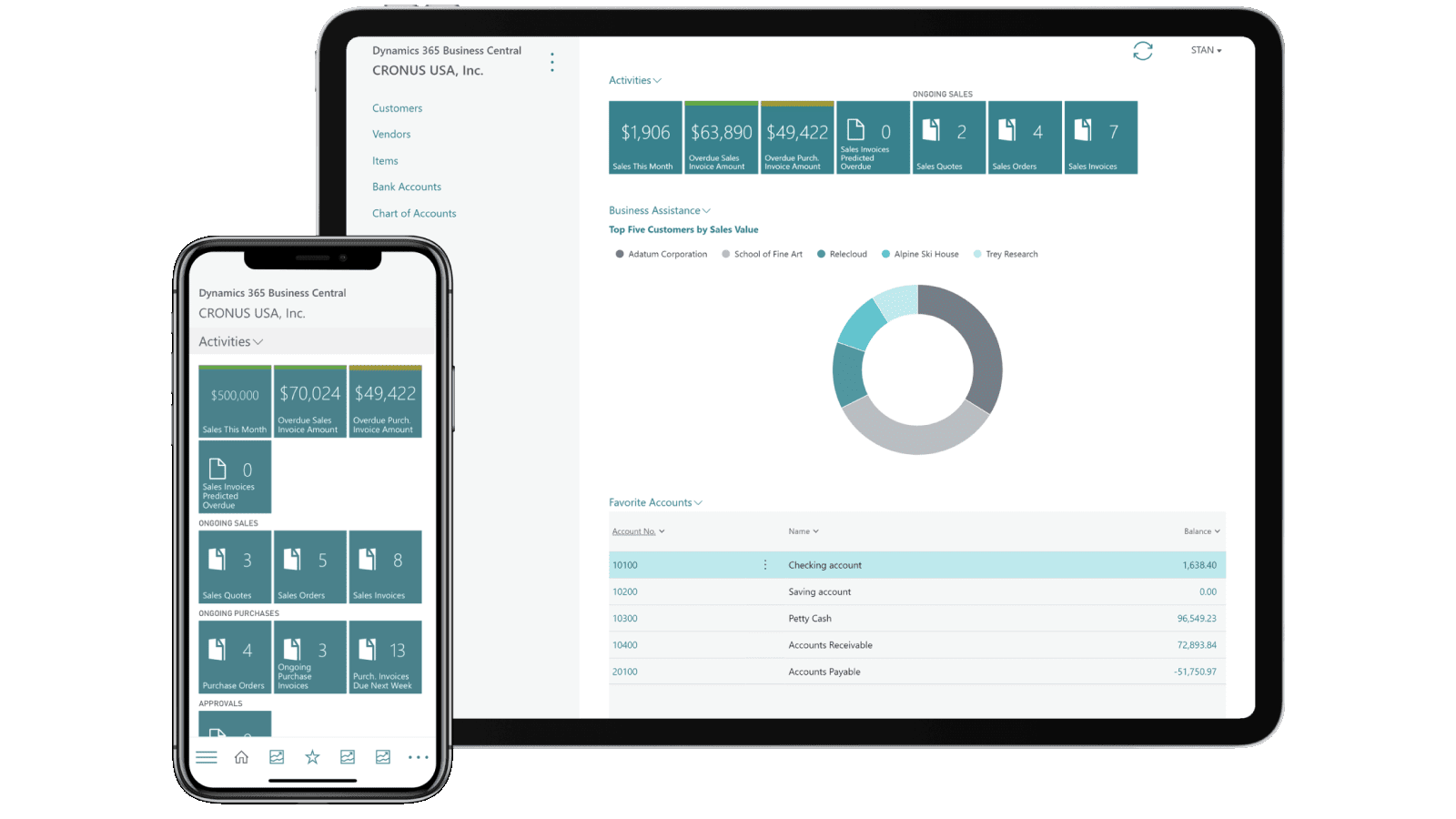
Learn more about Endeavor4 & Business Central
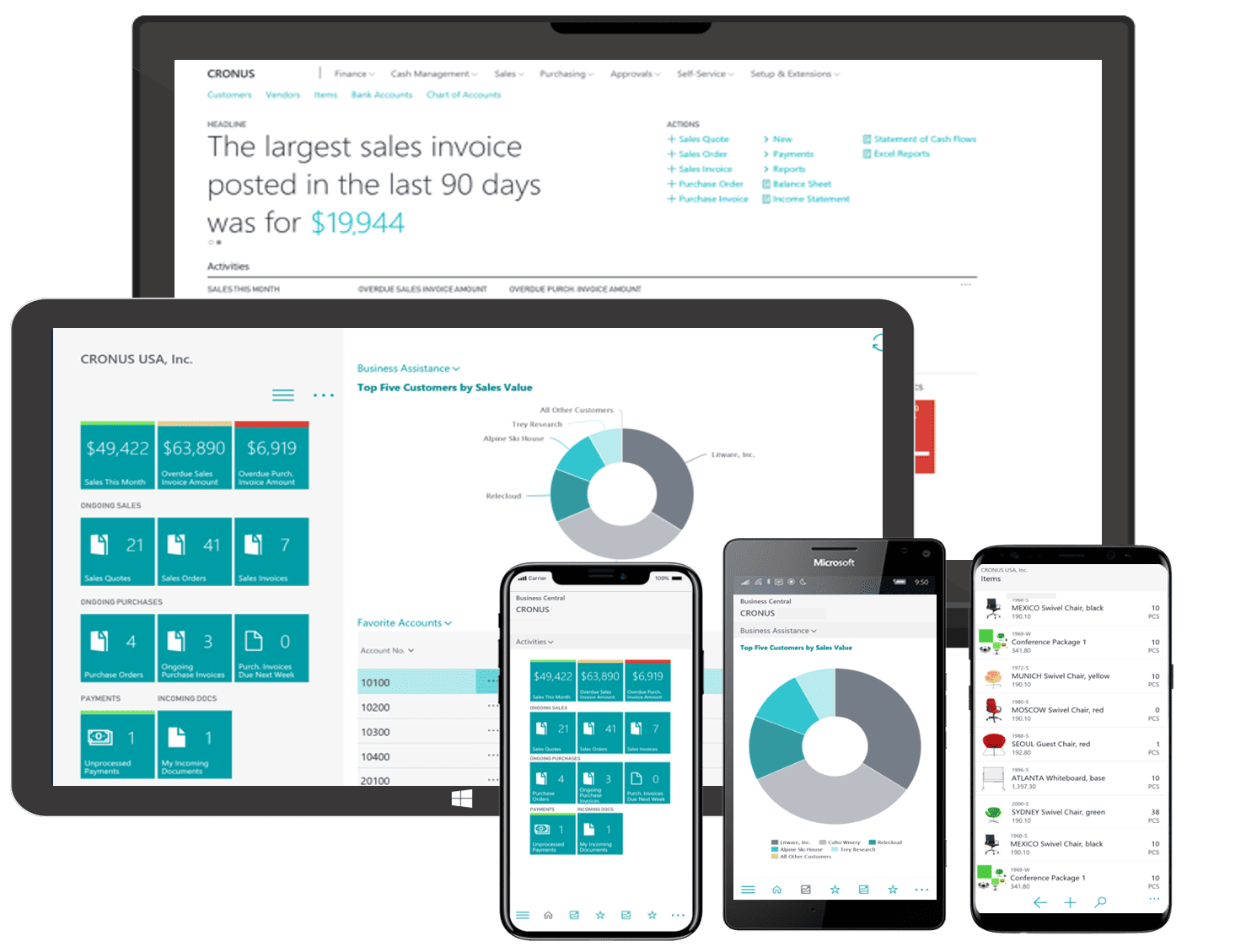
1.2: Creating a Sales Quote Part 2 (3:04 min.)
1.3: Emailing a Quote (1:47 min.)
1.4: Converting to Invoice (2:05 min.)
1.5: Posting an Invoice (1:41 min.)
1.6: Convert to Cash (2:32 min.)
Pillar 2: Designed for Financial Resilience
2.1: Uploading an Incoming Document
2.2: Correcting & Approving an Incoming Document (2:04 min.)
2.3: Insights & Forecasting with Power BI (2:35 min.)
Pillar 3: Architected for Cloud Security
3.1: Cloud Security (2:54 min.)
Next Steps
Top Five Reasons to Move to BC (4:10 min.)






Steve Ewing
Vice President - ERP, CRM & CloudContact Steve and his team to talk about your Business Needs.
"Let's find a fit between your needs and our Professional Services for Microsoft AI, ERP, CRM & Cloud solutions."
1 (888) 257-3577 x 213
sewing@endeavor4solutions.com